Git Branching

Ground rules

  • Golden rule: No such thing as a stupid question
  • Raise your hand if you want to ask something and I’ll get to you
  • Otherwise there’ll be time for questions at the end
  • Link to slides will be shared via email

whoami

  • Alex Coleman
  • Research Software Engineer in IT Services
  • Background in cell biology, then data science, now software engineering
  • Languages I’m into: Python🐍 Rust🦀 R®

Plan for today

%%{init: { 'logLevel': 'debug', 'theme': 'base', 'gitGraph': {'showBranches': true,'showCommitLabel': true, 'rotateCommitLabel': true}} }%%

gitGraph
    commit id: "intro"
    branch feat1
    commit id: "basics"
    branch feat2
    commit id: "colab"
    branch feat3
    commit id: "team branches"
    branch finalfeat
    commit id: "CI/CD"
    checkout main
    merge finalfeat
    commit id: "wrap up"
Basics

What is branching?

  • Git branches are lightweight, moveables pointers to a commit
  • main is the default branch created whenever you create a git repository

%%{init: { 'logLevel': 'debug', 'theme': 'base', 'gitGraph': {'showBranches': true,'showCommitLabel': false, 'rotateCommitLabel': true}} }%%

gitGraph
    commit
    commit
    commit
    branch branch1
    commit

Resolving branches

  • Branches allow us to separate out work in git
  • Need a mechanism to resolve one branch into another (often main)

%%{init: { 'logLevel': 'debug', 'theme': 'base', 'gitGraph': {'showBranches': true,'showCommitLabel': false, 'rotateCommitLabel': true}} }%%

gitGraph
    commit
    commit
    commit
    branch branch1
    commit
    checkout main
    merge branch1

Complicated resolutions

  • Say we worked on a branch but had to deploy a fix to main before merging

%%{init: { 'logLevel': 'debug', 'theme': 'base', 'gitGraph': {'showBranches': true,'showCommitLabel': false, 'rotateCommitLabel': true}} }%%

gitGraph
    commit
    commit
    commit
    branch branch1
    commit
    checkout main
    commit tag: "Fix added here"

Complicated resolutions

  • Option 1: Is to merge main into branch1

%%{init: { 'logLevel': 'debug', 'theme': 'base', 'gitGraph': {'showBranches': true,'showCommitLabel': false, 'rotateCommitLabel': true}} }%%

gitGraph
    commit
    commit
    commit
    branch branch1
    commit
    checkout main
    commit tag: "Fix added here"
    checkout branch1
    merge main

  • This preserves history but adds an extra merge commit

Complicated resolutions

  • Option 2: Is to rebase branch1 ontop of main

%%{init: { 'logLevel': 'debug', 'theme': 'base', 'gitGraph': {'showBranches': true,'showCommitLabel': false, 'rotateCommitLabel': true}} }%%

gitGraph
    commit
    commit
    commit
    commit tag: "Fix added here"
    branch branch1
    commit

  • This rewrites history but keeps project history linear preventing merge commits
  • Rebasing should never be performed on a public branch

Collaboration

DVCS and Branches

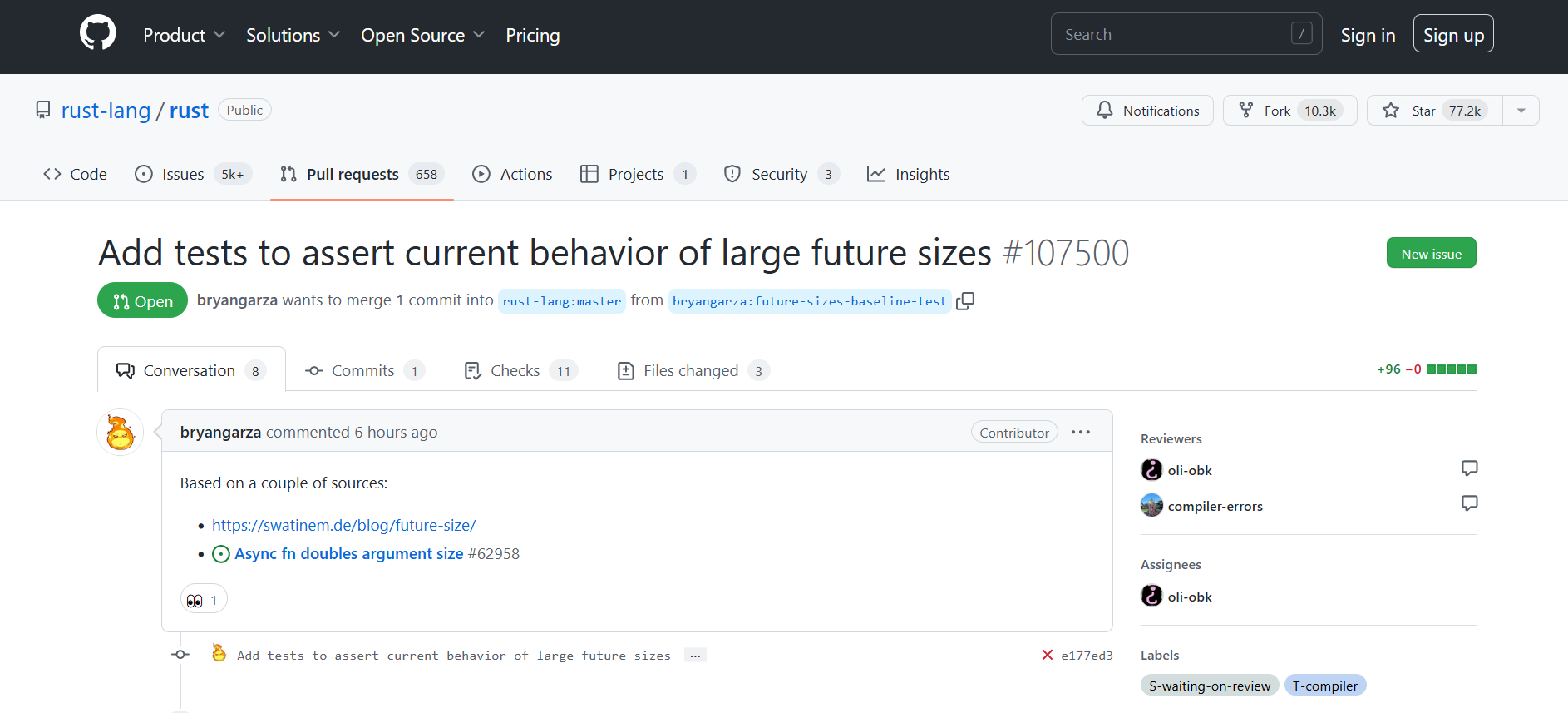
Tools like GitHub, Bitbucket, Gitlab expand the functionality of branches with mechanisms like:

  • Forks
  • Pull requests

Forks

  • A fork is a form of branching
  • We take some existing code
  • Branch off from it
  • But crucially development on the fork takes a different direction
  • XEMACS and GNU Emacs
  • Most Linux distros are forks

Pull requests

  • Tools like GitHub/BitBucket/Gitlab made it easier to share code and share code changes
  • Rather than sharing patch files, we can suggest code changes
  • We can make forks of code on these platforms, make a change and suggest the maintainer pull these suggestions back into the codebase
  • This workflow of sharing changes back is called a pull request

Teams and branches

Branching strategies

  • How do teams work collaboratively on a code base?
  • Need to define strategies for writing, merging and deploying code
  • Common set of rules for a dev team

Gitflow 1

%%{init: { 'logLevel': 'debug', 'theme': 'base', 'gitGraph': {'showBranches': true,'showCommitLabel': false, 'rotateCommitLabel': true}} }%%

gitGraph
    commit tag: "tag-0.1"
    branch hotfix1
    branch release
    branch develop
    checkout develop
    commit
    commit
    branch feat1
    checkout develop
    commit
    branch feat2
    checkout feat1
    commit
    commit
    checkout develop
    checkout feat2
    commit
    checkout hotfix1
    commit
    checkout main
    merge hotfix1 tag: "tag-0.2"
    checkout develop
    merge hotfix1
    checkout develop
    merge feat1
    checkout release
    merge develop tag: "tag-1.0"

GitHub Flow 1

  • Each branch should have discrete purpose (feature/fix)
  • Suggest it back as a pull request
  • Delete branch when accepted

%%{init: { 'logLevel': 'debug', 'theme': 'base', 'gitGraph': {'showBranches': true,'showCommitLabel': false, 'rotateCommitLabel': true}} }%%

gitGraph
    commit
    commit
    branch user2-fix
    checkout main
    commit
    branch user1-feat
    commit
    checkout user2-fix
    commit
    commit
    checkout user1-feat
    checkout user1-feat
    commit tag: "PR submitted"
    checkout main
    merge user1-feat tag: "PR accepted"
    checkout user2-fix
    commit

Trunk based 1

  • Everyone commits to the main branch
  • Enforces small commits
  • main should always be releaseable

%%{init: { 'logLevel': 'debug', 'theme': 'base', 'gitGraph': {'showBranches': true,'showCommitLabel': false, 'rotateCommitLabel': true}} }%%

gitGraph
    commit
    commit
    commit
    commit
    commit
    branch release-v1
    commit tag: "v1.0"
    checkout main
    commit
    commit
    checkout release-v1
    merge main tag: "v1.1"
    checkout main
    commit
    branch release-v2
    commit tag: "v2.0"
    checkout main
    commit
    commit

Branch rules

  • Branch strategies only work when rules are defined
  • Rules such as:
    • ❌ Not possible to push to main
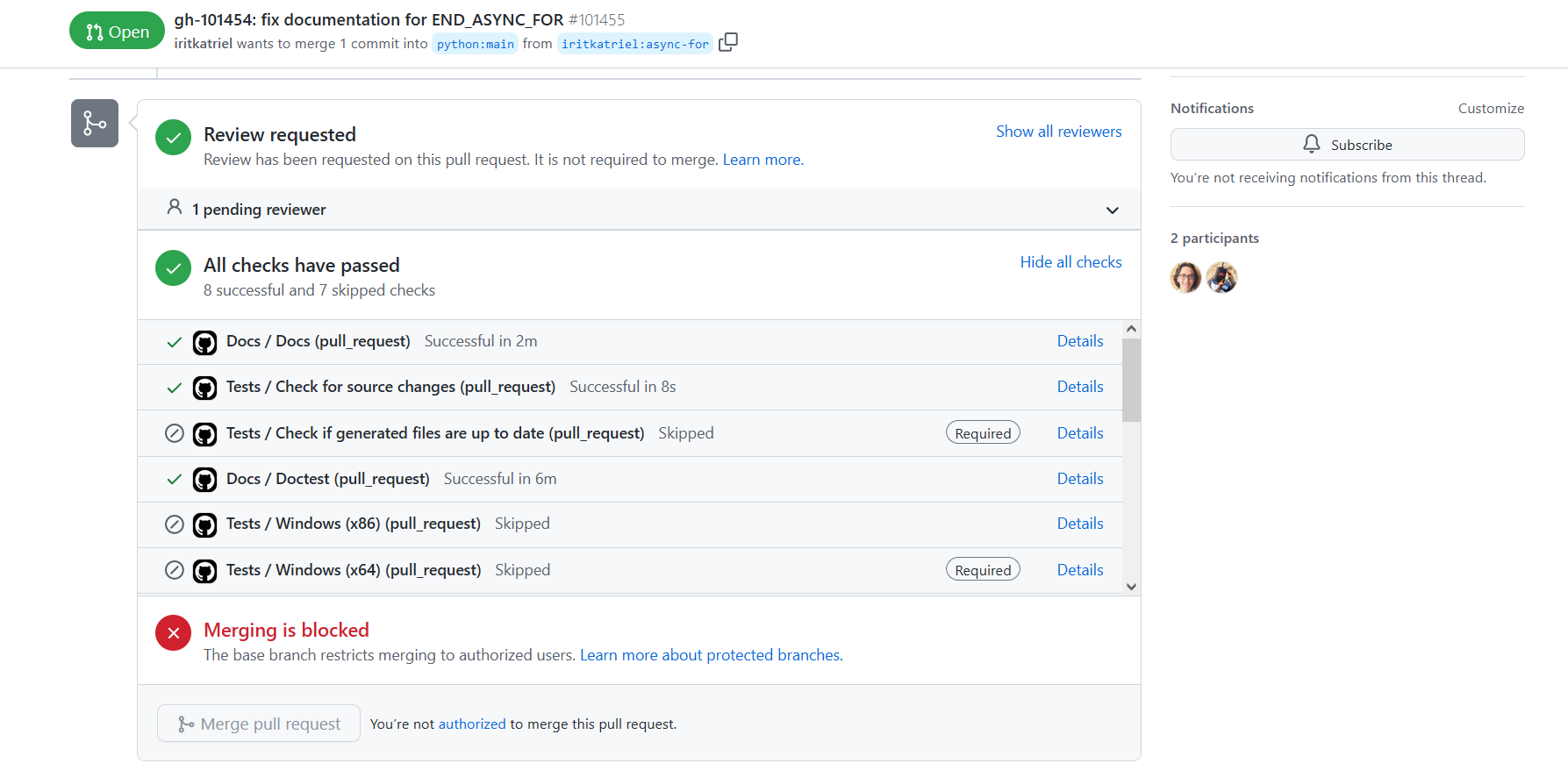
    • ✅ Code reviews required before a PR is merged
    • ✅ Automated workflows (build and test) must pass before merge

Branches and CI/CD

Branching and DevOps

  • Branches present a unique mechanism by which to structure CI/CD
  • Use automation tools to:
    • check pull requests✅
    • create releases🎁
    • and even ship to production 🚛
  • All powered through CI/CD tools like GitHub actions, TravisCI, Jenkins, GitLab CI/CD, Azure DevOps

Merging this all back together…

Summary

  • Git branches are a tool for safely working with copies of source code
  • Branches enable teams of software developers to work effectively across a codebase
  • Branching strategies and rules help safeguard this process
  • Git branches integrate as a core part of modern DevOps pipelines